
See it in action
Try it.
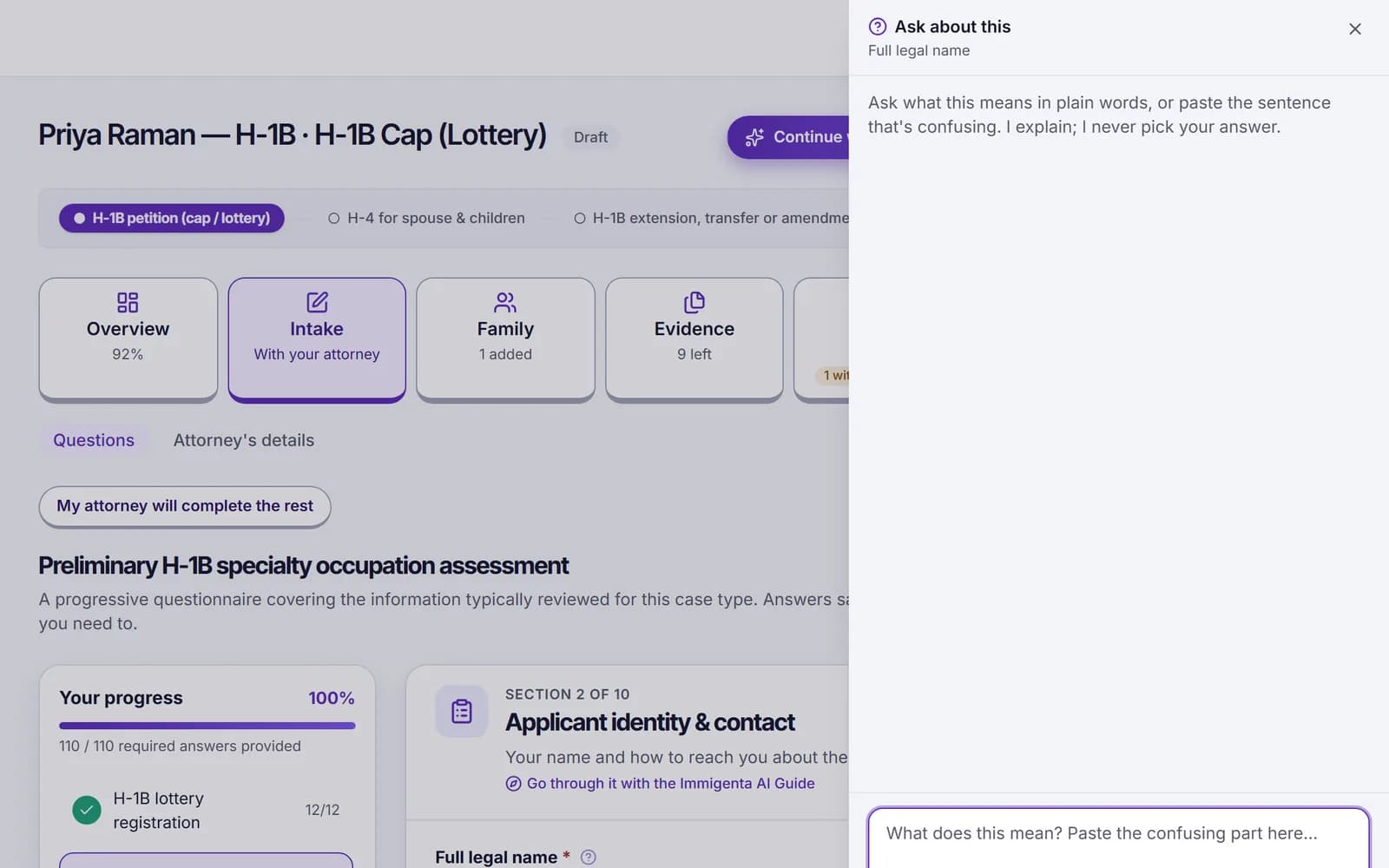
Every item has its own “?”. Ask about a question here, try a follow-up, then send it to the attorney.
Intake · Priya RamanExample · fictional data
Hover a “?” for the tooltip. Press it to ask about that question.
Where does the Labor Condition Application (LCA) stand?Ask about this
CertifiedDate of Last Arrival (mm/dd/yyyy)Ask about this
02/09/2025Press a “?” to ask about that question in plain words.

What it does
A “?” with plain-words help on every item.
Every question, review item and document has a “?”. Tap it and a plain-words AI chat explains what's being asked, about that one item, with follow-up questions.
It never picks an answer for you and never says whether you qualify. Where USCIS's exact wording matters, it defines the words only.
If you're still unsure, “Still unsure?” sends your question to your attorney as a comment on that field.
How it works
Three steps.
- Tap the “?”On a question, a document or a review item.
- Ask in your wordsThe AI explains what's being asked, in plain words, and answers follow-ups.
- Still unsure?Send the question to your attorney, right on that field.
Key points
Key points
Scoped to one itemHelp is about the item you tapped, not a general chatbot.
Never picks an answerIt explains. You answer, and your attorney decides.
Exact wording keptOn USCIS's exact-wording questions it defines terms only.
Your attorney, one tap away“Still unsure?” goes to the attorney as a comment.
Prepared by you. Guided and approved by your attorney.
Start your case and invite your attorney, or sign in to your firm's cases.